A phone that refuses to charge can be caused by several things, including a faulty cable, damaged charging port, software issues or battery problems.
Whether you use an iPhone, Samsung Galaxy or another Android phone, here are some things worth checking.
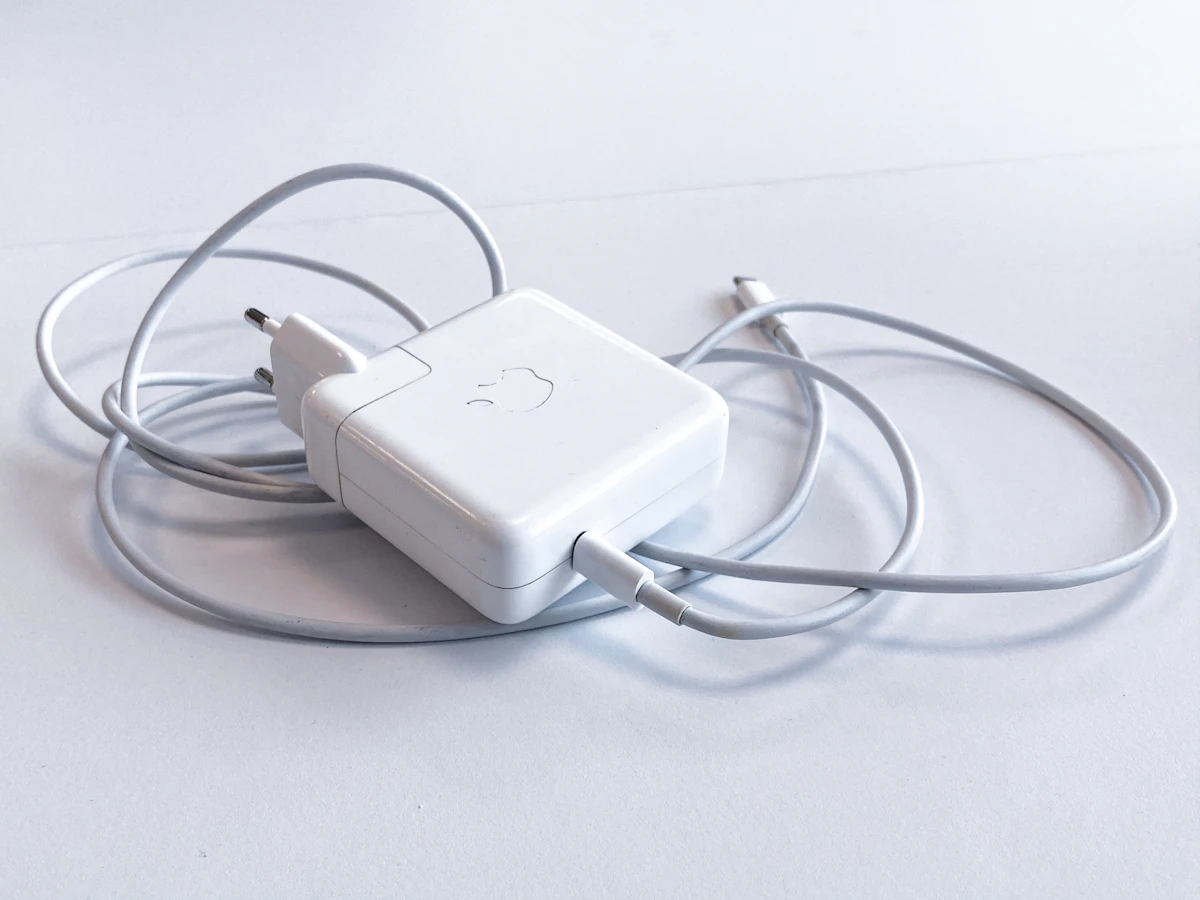
9 Ways to Fix a Phone That Won't Charge
- Try another charging cable: Your cable may be damaged internally even if it looks fine on the outside.
- Change the power adapter: Test another compatible charging plug to rule out a faulty brick.
- Check the power socket: Try a different wall socket to ensure the outlet itself is providing power.
- Inspect the charging port: Look for dust, lint, or debris that could prevent a proper connection. Use a wooden toothpick or compressed air to gently clean it.
- Restart your phone: Temporary software problems or background processes can sometimes interfere with the charging logic.
- Check for moisture warnings: If your phone detects liquid in the charging port, disconnect the charger immediately and allow it to dry naturally in a well-ventilated area.
- Try wireless charging: If your device supports it, this can help identify whether the physical charging port is the root of the problem.
- Check battery settings: Some phones limit charging or have "Optimized Battery Charging" enabled to protect long-term battery health.
- Install software updates: Check whether an operating system update is available, as bugs affecting power management are frequently patched.
Why Does My Phone Only Charge to 80%?
Some modern smartphones include battery protection features that limit charging to around 80% to help preserve battery health and reduce chemical aging.
This doesn't necessarily mean your battery is faulty. Features like Apple's "Optimized Battery Charging" or Samsung's "Protect Battery" intentionally pause charging at 80% until you typically need to use the device.
When Does Your Phone Need Repair?
If you've tested different chargers and cables and your phone still won't charge, the battery, charging port or internal power management hardware may need professional inspection.
Never force objects into the charging port or use damaged, frayed charging accessories, as this can cause permanent short-circuits or fire hazards.
Final Thoughts
Before paying for a repair, test another cable, adapter and power socket. These simple checks can often identify the problem and save you an unnecessary trip to the repair shop.
Stay Updated With Digital Infohub
Explore more technology insights, AI tools, and digital projects at Digital Infohub, founded by Ryan